

Reputation+



Every negative review sitting unanswered is a small crack in customer trust. Multiply that by hundreds of reviews across Google Play, the App Store, Trustpilot, and social media, and you've got a reputation problem that no amount of great marketing can fix.
App review management software brings all that scattered feedback into one place where your team can actually respond before frustrated customers move on. We researched 6 of the top tools to help you find the right fit for your team's workflow, budget, and platform coverage.
What is an app review management tool
An app review management tool pulls feedback from app stores and review platforms into one dashboard, so teams can monitor, respond to, and analyze customer reviews without jumping between tabs. These platforms typically offer automated tagging, multilingual replies, and integrations with help desks like Zendesk or Slack.
For a deeper look at why review management matters for your business, check out our guide on App Review Management: What It Is & Why It Matters.
Who needs app review management tools
Once you're getting more than a few dozen reviews per week, checking each platform manually becomes a time sink. Different roles benefit from these tools in different ways.
Customer Experience Teams
CX teams use review software to close the feedback loop with customers. The best tools route tricky issues to support channels while handling routine thank-you responses automatically.
Social Media and Community Managers
Community managers bounce between Instagram, Facebook, TikTok, and review sites all day. A centralized tool keeps response quality consistent and makes sure nothing slips through the cracks.
Product Managers at App First and SaaS Brands
Product teams dig through reviews looking for bug reports, feature requests, and usability complaints. Sentiment analysis helps surface patterns that would otherwise get lost in thousands of individual comments.
Marketing and Growth Leaders
Marketing leaders watch how reviews affect brand perception and campaign performance. A sudden spike in negative reviews can hurt ad performance, so catching problems early matters.
What we evaluated of these review management tools
We evaluated each tool through hands-on testing across five dimensions:
- Platform coverage: Which app stores and review sites each tool supports, plus how often data refreshes
- AI capabilities: Quality of sentiment analysis, auto-categorization accuracy, and how relevant suggested replies actually are
- Workflow efficiency: Speed and ease of responding to reviews at scale, including bulk actions
- Integration depth: C onnections with help desks, CRMs, Slack, and product tools
- Reporting quality: Whether analytics dashboards surface actionable insights or just raw numbers
How to choose the best review management software
Selecting the right tool depends on your team's volume, existing tech stack, and specific pain points. Here's what to evaluate.
Platform coverage and data accuracy
First, confirm the tool covers App Store, Google Play, and any other review platforms relevant to your business. Then check how frequently data refreshes—some tools update in near real-time, while others sync every few hours. If you're responding to time-sensitive complaints, that delay matters.
AI and sentiment analysis quality
Look for tools that understand context, sarcasm, and nuance rather than relying on simple keyword matching. A reviewer saying "great, another bug" isn't leaving positive feedback, even though "great" appears in the text. The best tools analyze the full context before categorizing sentiment.
Multilingual support and translation
For global apps, translation quality can make or break your response strategy. Awkward translations damage brand perception, so test how the tool handles replies in languages your team doesn't speak fluently.
Reply workflows and automation
Assess template libraries, approval workflows, and bulk actions. High-volume teams often save 10+ hours weekly with efficient batch approval systems that let one person clear hundreds of responses at once.
Integrations with your tech stack
Check for connections to Slack, Jira, Zendesk, Salesforce, and other tools your team uses daily. Fragmented workflows slow response times and create gaps where feedback falls through the cracks.
Reporting and analytics depth
Look for trend analysis, competitor benchmarking, and exportable reports for stakeholders. The best tools surface patterns, like a spike in complaints after an update, rather than just showing you raw review counts.
Security and enterprise features
If you're in a regulated industry or have enterprise procurement requirements, evaluate SSO, role-based permissions, audit logs, and compliance certifications early. These can become blockers late in the buying process.
Pricing transparency and scalability
Understand pricing models—per app, per seat, or review volume—and how costs scale as you grow. Hidden fees for additional platforms or users add up quickly.
6 Best app review management tools compared
| Tool | Best for | Key strength | Platforms |
|
BrandBastion
|
High-volume teams that need to reply fast without sacrificing accuracy
|
Knowledge-grounded AI replies (grounded in your help docs, policies, known issues, and brand voice) plus review and batch approval workflows built for clearing queues
|
App stores, major review sites, social platforms
|
|
AppFollow
|
App teams focused on app store review operations and ASO-adjacent workflows
|
App store review management with strong filters, tagging, automation, and competitor monitoring
|
App stores
|
|
AppTweak
|
ASO teams optimizing store performance
|
ASO-first analytics and insights tied to store visibility and keyword strategy
|
App stores
|
|
Sprout Social
|
Marketing teams prioritizing social scheduling and content workflows
|
Social publishing, scheduling, and social reporting with basic review inbox coverage
|
Social platforms, limited review sources
|
|
Birdeye
|
Multi-location brands managing local reputation at scale
|
Location-based review monitoring and review generation campaigns across local listings
|
Google, Facebook, Yelp, local directories
|
AppTweak
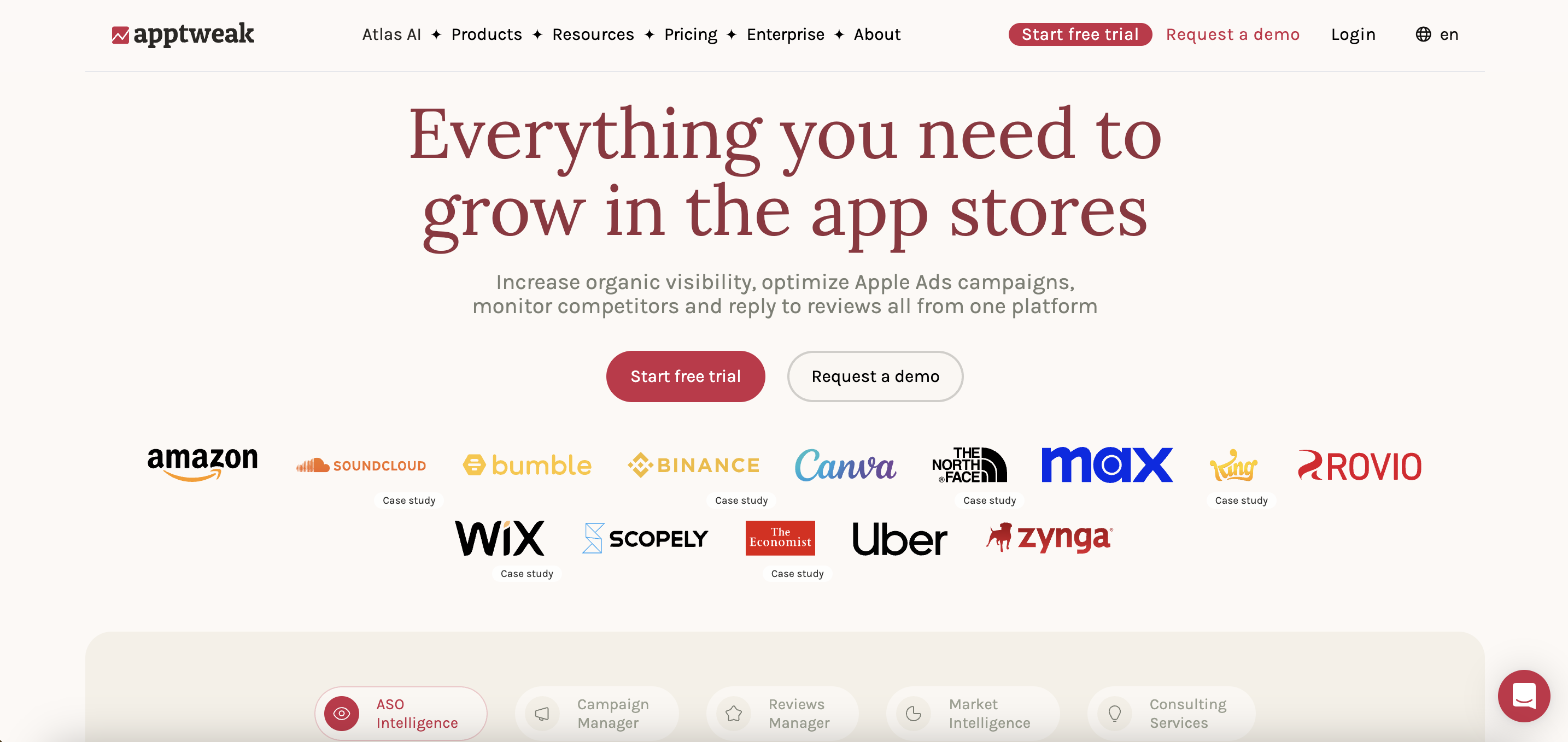
AppTweak is an ASO and app store intelligence platform. Reviews are used mainly as input for store optimization, helping teams spot themes that connect to keywords, ratings, and listing performance. It’s a strong fit for ASO workflows, with review response features that tend to be more lightweight than tools built around day-to-day replying and team approvals.
AppFollow
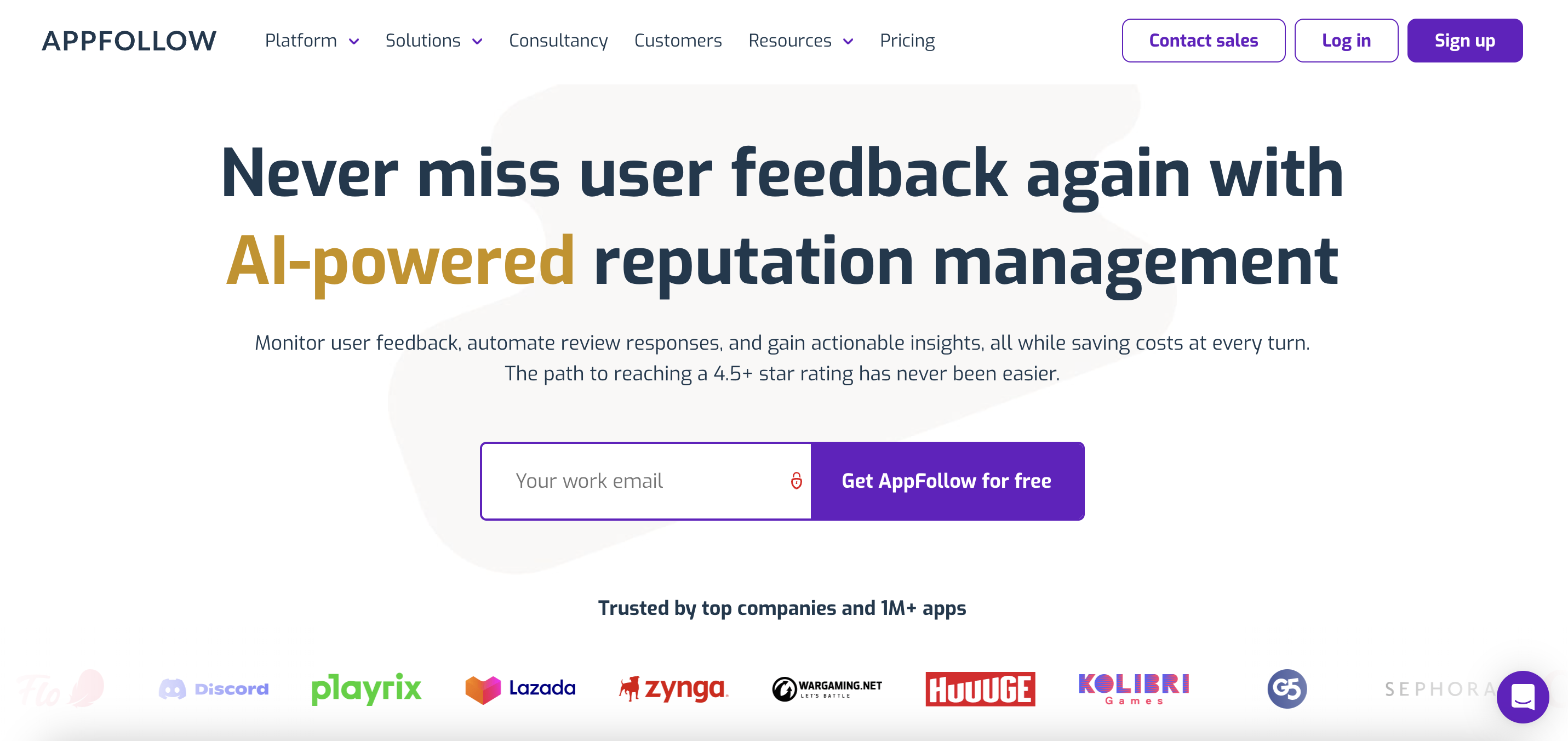
AppFollow is a review management platform centered on iOS and Android. It helps teams collect, filter, and organize app store reviews in one place and keep a steady reply cadence across one or multiple apps. It’s well-suited for app-store-first workflows, with no emphasis on bringing reviews together with broader customer conversations across social sites.
Birdeye
Birdeye is built for local reputation management across major review sites and directories. It’s commonly used by multi-location businesses that want to monitor reviews, manage location-level presence, and run campaigns to drive more reviews. For app-first teams, the app store side is usually a smaller part of the platform compared to its local and location-driven features.

Sprout Social
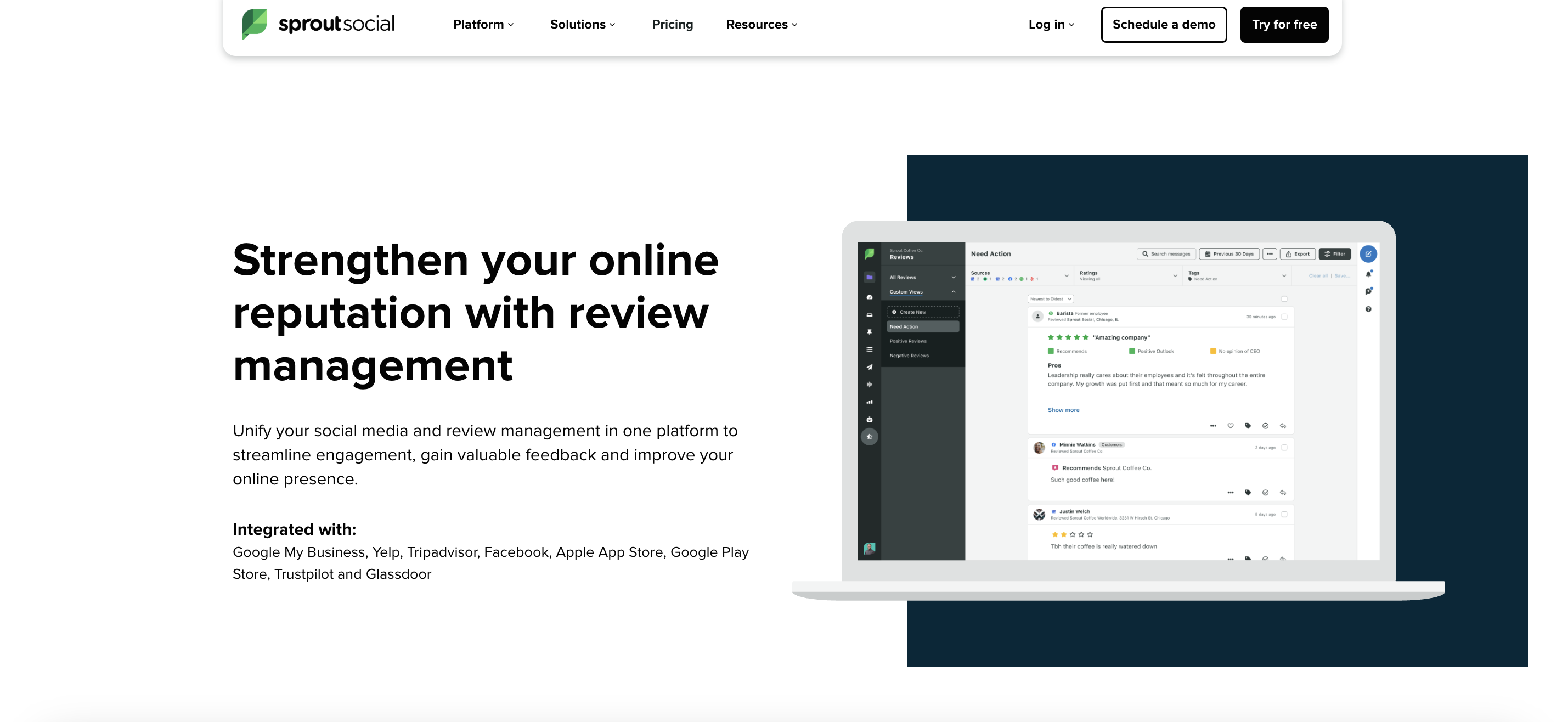
Sprout Social is a social media management platform built around publishing, scheduling, and social reporting. Review management is typically used as a lighter layer alongside social engagement, keeping review visibility in the same workflow as social channels. Review-specific depth is more limited, especially around dedicated review reporting such as tracking how responses influence rating trends.
BrandBastion
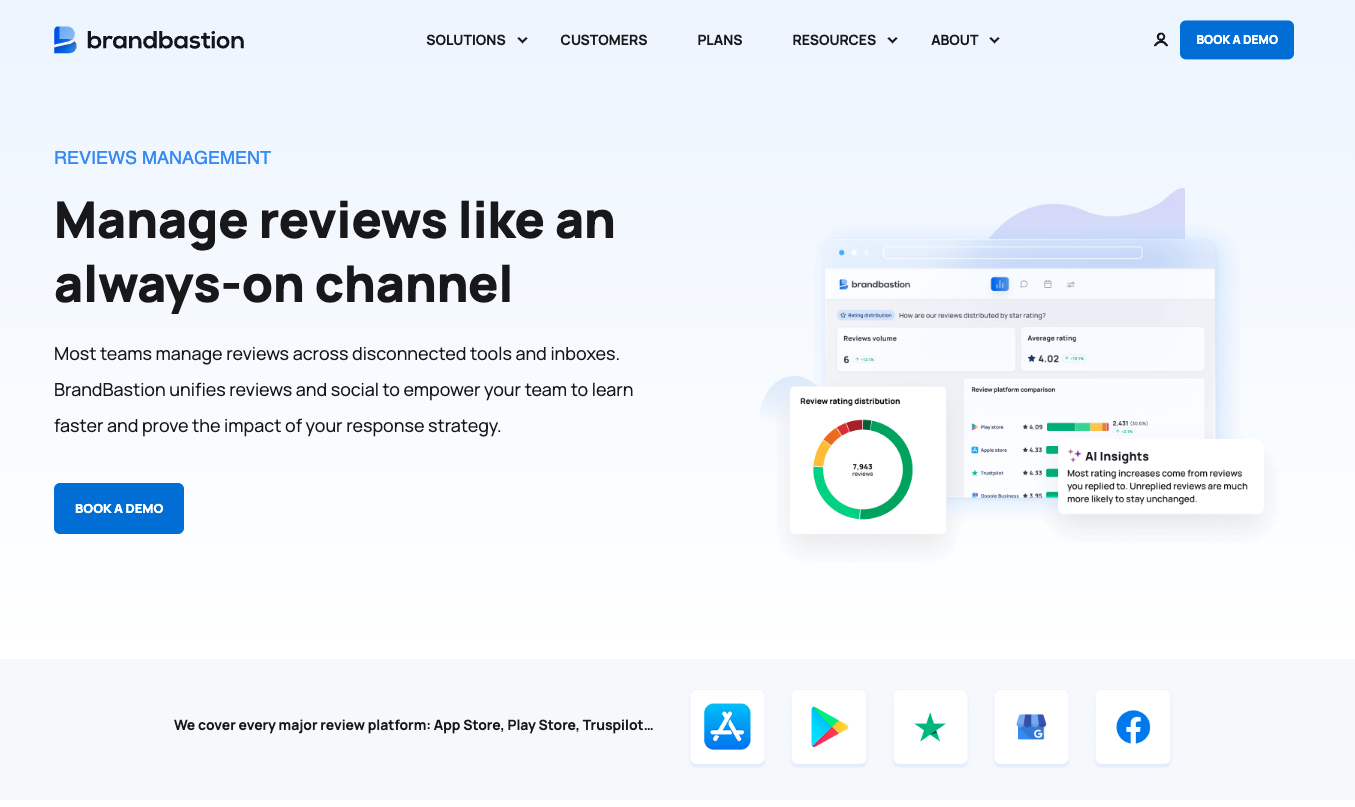
BrandBastion is built for high-volume engagement programs where review responses need to be fast, accurate, and consistent across channels. It centralizes app store reviews together with broader customer conversations, then generates reply drafts grounded in your own support guidance, policies, known issues, and brand voice rules. Teams can review and approve replies in batches to clear queues quickly, route sensitive cases through approvals, and use outcome-focused insights to understand what changed after responding and where to focus next. The platform supports Apple Store, PlayStore, Trustpilot, Google Business Reviews, Facebook Recommendations, and all major social platforms, with brand voice customization and 24/7 monitoring.
Key features to look for in customer review management software
Centralized review monitoring across platforms
A unified inbox eliminates the need to check Google, Facebook, Trustpilot, app stores, and social media separately. Look for tools that sync frequently and display reviews in a consistent format.
AI-powered sentiment analysis
Accurate sentiment categorization helps teams prioritize responses. The best AI understands sarcasm, mixed sentiment, and context rather than relying on keyword matching alone.
Automated response and reply templates
Template libraries and auto-replies speed up response times for common queries. Effective automation handles routine acknowledgments while flagging complex issues for human attention.
Brand voice customization
Generic AI responses can feel off-brand. Look for tools that let you configure tone, language rules, and response guidelines so every reply sounds like it came from your team.
Crisis monitoring and alert systems
Real-time alerts help teams catch spikes in low ratings and sudden surges of negative feedback before issues escalate. Tools like BrandBastion can also automatically flag critical bug reports, access and login issues, security or policy concerns.
Reporting and analytics dashboards
Track response rates, sentiment trends, and review volume over time. Good reporting connects review metrics to business outcomes like customer satisfaction scores.
Benefits of using a review management platform
- Faster response times: Centralized tools eliminate platform-switching, helping teams reply in minutes instead of hours
- Consistent brand voice: Templates and AI guidelines keep every response on-brand, even when multiple team members handle replies
- Actionable insights: Sentiment analysis surfaces themes that inform product roadmaps and marketing messaging
- Protection from harmful content: Automated flagging catches spam, scams, and inappropriate comments before they damage brand perception
- Time savings: Batch approvals and automation reduce manual workload significantly for high-volume teams
How to analyze and respond to online reviews at scale
1. Centralize all reviews in one dashboard
Connect all review sources to create a single view of customer feedback. Most tools offer a guided setup that takes a few days to complete.
2. Use AI to categorize and prioritize feedback
Configure AI tagging for sentiment, topics, and urgency. This helps teams focus attention on negative reviews and time-sensitive issues first.
3. Set up automated responses for common queries
Create auto-reply rules for frequently asked questions and positive reviews that benefit from quick acknowledgment. Reserve human responses for complex situations.
4. Customize templates to maintain brand voice
Build a template library with variations to avoid repetitive-sounding responses. Include placeholders for personalization like customer names or specific product mentions.
5. Track response impact and sentiment trends
Use analytics to monitor whether responses improve overall sentiment. Look for correlations between response speed and customer satisfaction.
6. Route complex issues to human teams
Set up escalation workflows that send nuanced complaints or potential crises to appropriate team members. Not every review benefits from automation.
Common mistakes when choosing an online review monitoring tool
-
Ignoring multilingual and localization needs: Brands operating in multiple markets often discover too late that their chosen tool lacks language support. Verify coverage before committing.
-
Overlooking brand voice controls: Generic AI responses that sound robotic or off-brand can do more harm than no response at all. Test customization options during trials.
-
Choosing based on price alone: Inexpensive tools often lack the AI accuracy or platform coverage needed for effective management. Consider the cost of missed reviews and slow responses.
-
Underestimating scalability requirements: Some tools become cost-prohibitive or slow as review volume grows. Ask vendors about pricing at 2x and 5x your current volume.
-
Skipping integration compatibility checks: Verify integrations with your helpdesk, social media, and collaboration tools before purchasing. Disconnected tools create workflow friction.
Turn reviews into growth with the right tools
Effective review management drives measurable business outcomes, from improved customer satisfaction to protected brand reputation. The right tool transforms scattered feedback into actionable insights while freeing your team to focus on high-value interactions.
For brands managing high engagement volumes across social media and review platforms, BrandBastion's AI analyzes the context to deliver accurate responses at scale, grounding them in your own content sources and following your brand guidelines.